A home’s security setup can save you money or cost you thousands after closing. Many buyers only think about security once they’ve moved in. By then, it’s too late to negotiate repairs or upgrades into the sale price.
Before you buy, you need to know what’s already installed, what works, and what you’ll need to replace. This isn’t just about safety. It’s about your budget too. A house with outdated wiring or a broken alarm panel can mean surprise costs in your first few months.
This guide walks you through exactly what to check, what to ask, and what to avoid when evaluating a home’s security system during the buying process.
Start With a Full Walkthrough of Existing Security Features
Before anything else, walk through the house and list every security-related item you see. This gives you a baseline to work from.
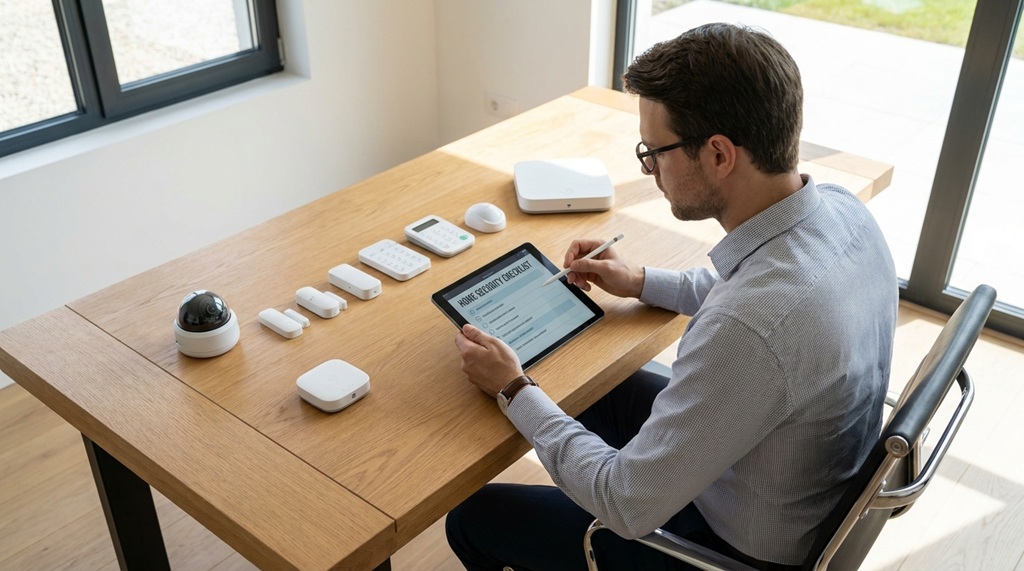
Check for Cameras, Sensors, and Control Panels
Look for visible cameras at doors and windows. Check corners of rooms for motion sensors. Find the main control panel, usually near an entry door or in a closet. Write down the brand name on each device.
Test What You Can, Ask About What You Can’t
Ask the seller or listing agent to demonstrate the alarm system if it’s active. Test door and window sensors by opening them. If the system won’t arm or disarm, that’s a red flag worth noting.
Look for Signs of DIY or Outdated Installations
Exposed wires, mismatched brands, or handwritten labels often mean a DIY setup. These systems may lack proper certification and could be harder to upgrade later. Note anything that looks patched together rather than professionally installed.
Verify Whether the System Is Owned, Leased, or Monitored
This step matters more than most buyers realize. The type of ownership affects your costs and your options.
Ask If the Contract Transfers to You
Some monitored systems come with contracts tied to the previous owner. Ask directly whether the monitoring agreement transfers automatically or needs a new sign-up. Get this in writing if possible.
Find Out Who Owns the Hardware
If the seller leased the equipment, they may remove it before closing. Confirm in the purchase agreement whether cameras, panels, and sensors stay with the house. Don’t assume—get it listed as an included item.
Check for Early Termination or Transfer Fees
Some security companies charge fees to transfer a contract to a new homeowner. Call the provider directly and ask about transfer costs before you finalize your offer. This can range from free to a few hundred dollars, depending on the company.
Assess the Wiring and Compatibility With Modern Systems
Older homes often have wiring that doesn’t support newer smart security tech. This is one of the most overlooked parts of a home inspection.
Hire an Inspector Familiar With Security Wiring
A general home inspector may not check security wiring closely. Ask if your inspector can evaluate the alarm system’s wiring condition, or hire a security specialist for a separate check. This adds a small cost but can prevent a bigger one later.
Confirm Internet and Cellular Compatibility
Many modern systems need a strong Wi-Fi signal or cellular backup to work properly. Walk through the house and check signal strength in every room, including the basement and garage. Weak spots may need a signal booster or a different system altogether.
Watch for Systems That Rely on Old Phone Lines
Some older alarm systems still use landline connections instead of cellular or internet-based ones. According to industry experts, landline-based systems are increasingly considered outdated and less reliable during power or line outages. If you see this setup, plan to budget for an upgrade.
Compare the Neighborhood’s Overall Security Profile
A home’s own system is only part of the picture. The surrounding area affects how much security coverage you’ll actually need.
Check local crime data through your city’s police department website or a neighborhood safety app. Ask the listing agent or neighbors about recent break-ins or safety concerns. This isn’t about scaring yourself out of a good house—it’s about knowing what level of security makes sense for that location.
Some neighborhoods have HOA-required security standards, like specific camera placements or approved alarm companies. Ask about these rules early, since they can limit which systems you’re allowed to install after buying.
Budget for Upgrades, Not Just Repairs
Even a working system might not meet your needs. Buyers often focus only on fixing broken parts and forget to plan for improvements.
List What You’d Want to Add
Think about what matters to you: video doorbells, smart locks, outdoor lighting with motion sensors, or a mobile app for remote control. Make a list before you move in so you can budget realistically.
Get Quotes Before Closing, Not After
Contact two or three local security companies and ask for upgrade quotes based on the home’s layout. This gives you real numbers to work with instead of guessing. Some buyers use these quotes during price negotiations if the current system is outdated or broken.
Factor In Monthly Monitoring Costs
Beyond the equipment, monitored systems come with ongoing fees. These typically range depending on the provider and level of service, so ask for a full breakdown, not just the installation price. Add this to your monthly homeownership budget alongside utilities and insurance.
A Tip Most Buyers Miss: Ask About Insurance Discounts
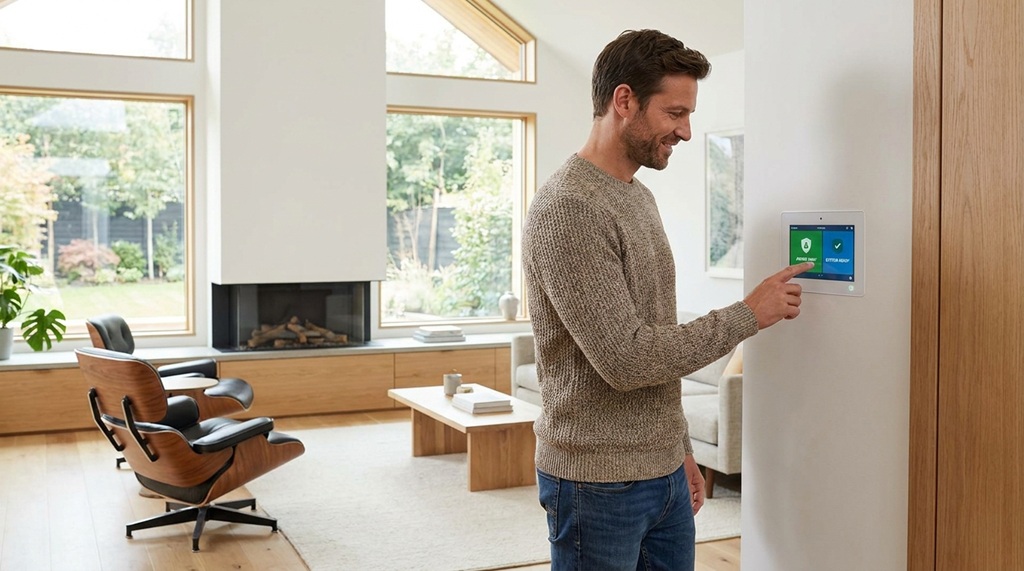
Here’s something rarely mentioned in typical buying guides: your choice of security system can directly lower your homeowner’s insurance premium. Many insurers offer discounts for homes with monitored alarm systems, smoke detectors tied to the security panel, or water leak sensors.
Before you finalize your system plan, call your insurance provider and ask which specific features qualify for a discount. Some companies require certification from particular security brands. Matching your upgrade choices to your insurer’s requirements can save you money every year you own the home—not just once.
This step is easy to skip because it feels unrelated to the physical house. But it directly affects your long-term costs, and few buyers think to check it before closing.
Put Everything in Writing Before You Close
Verbal promises about security systems don’t hold up after closing day. Whatever you learn during your evaluation needs to go into the purchase agreement.
List every security item you expect to stay with the house: cameras, panels, sensors, and any smart locks. Specify condition requirements too, not just presence. If the seller agrees to fix a broken sensor or transfer a contract, get the timeline and responsibility written into the agreement.
This protects you if something goes missing or stops working between your final walkthrough and move-in day.
Frequently Asked Questions
Should I replace an existing security system or keep it after buying?
It depends on the system’s age, compatibility, and whether it meets your needs. If it’s under five years old and uses modern wireless or cellular technology, keeping it and adding a few upgrades often makes sense. If it relies on outdated wiring or a landline connection, replacing it may cost less in the long run than repairing it.
Can I ask the seller to include security system repairs in the sale?
Yes, this is a normal part of negotiations. Include specific repair requests in your offer or during the inspection period, just like you would with plumbing or electrical issues.
How do I know if a security system is monitored or just an alarm?
Ask the seller directly, and check for a company sticker or sign on the property. A monitored system connects to a central station that alerts authorities, while a standalone alarm only sounds locally without notifying anyone remotely.
What questions should I ask a security company before signing a new contract?
Ask about contract length, cancellation fees, equipment ownership, and whether the price is fixed or can increase. Also ask what happens to your equipment if you switch providers later.
Does a home security system affect resale value?
A well-maintained, modern system can be a selling point for future buyers, though it rarely adds significant dollar value on its own. It’s more of a convenience factor that can make your home more attractive compared to similar listings.
Final Thoughts
Evaluating a home’s security system before you buy protects both your safety and your budget. Walk through the property carefully, confirm ownership and contract details, check the wiring, and get real quotes for any upgrades you want. Don’t forget to ask your insurance provider about discounts tied to security features—it’s a small step that pays off every year.
Put every finding in writing before closing. A little extra effort now means fewer surprises after you’ve settled into your new home.